.avif)
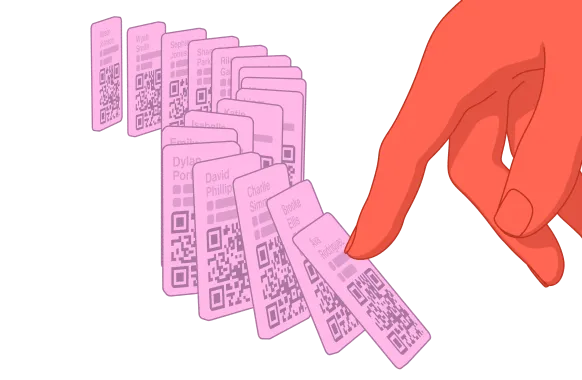



The AI contacts platform for the real world
Make great first impressions, remember who you meet, and keep the follow-up moving.


4 million people in
500K companies use Blinq













The best opportunities don't happen at your desk
A chance meeting. A shared idea. A conversation worth continuing. Blinq captures the details that matter, so you can pick things up long after the first hello.

Convert first impressions into connections that count
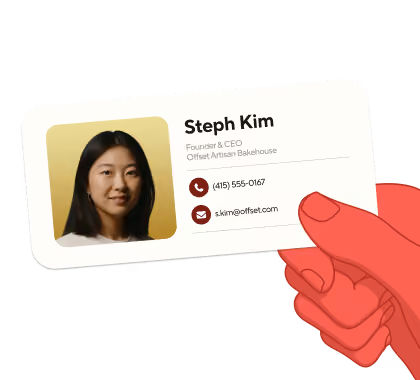
A business card
that opens doors
"Waaay more responses than I’ve had with paper business cards." App Store
From scan to saved
contact in one go

"The offline mode is a total lifesaver." John J., G2
Contacts made
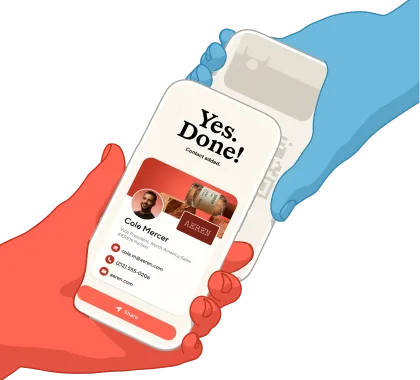
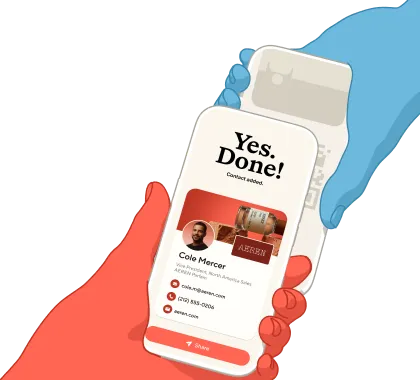
complete in seconds

"I get their info AND it's a conversation
starter." Jennifer G., Capterra
Keep the context,
not just the card
"A handy feature where I can create notes reminding me of what we talked about." Irfaan M., G2
Follow up wherever
you work

"Perfect tool to keep people in touch!" Diego, Trustpilot

Stack the cards in
your team's favor
Your people are your first impression. Blinq makes sure it's
on brand, and that the good ones don't end there.
Put your best team forward
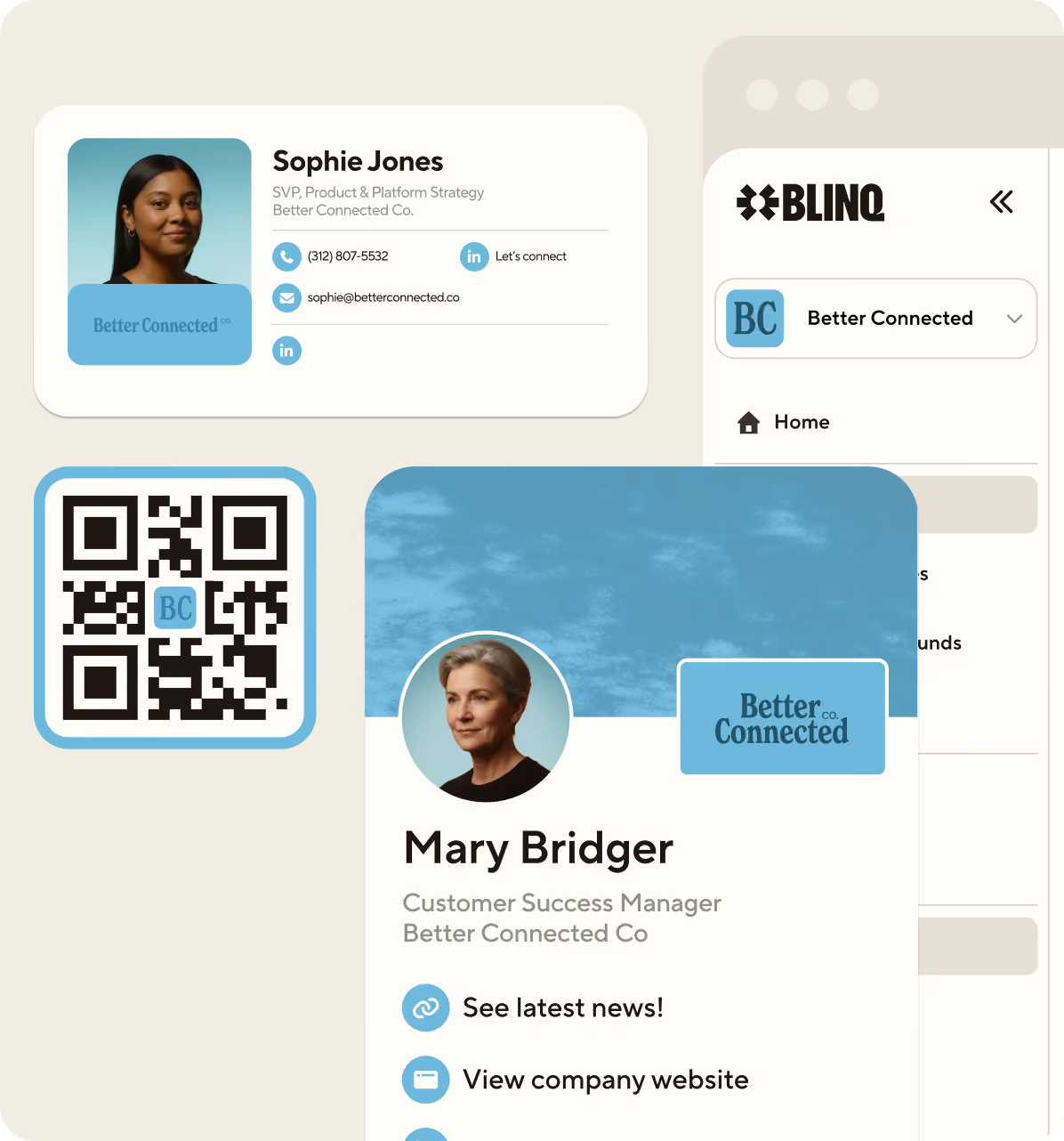
Digital business cards, email signatures and virtual backgrounds, managed from one place. Lock the logo, colors and fonts, let people make the rest theirs, and every surface updates the moment a detail changes.
“Easy to use and makes our life easy for licensing and marketing.”
Peeta Marlow, Marlow Hotel Group
From handshake to pipeline
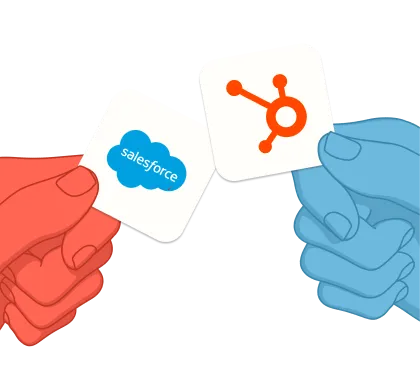
Capture leads and send them to your CRM with notes, tags and qualifying details. Give your team what they need to follow up, and track what each event contributes to your pipeline.
Scan it. Tap it.
Link it. Blinq it.
One Blinq, many opportunities to share your way.

Extend your brand into every email with logos, links and more.

Your own physical card, directly linked to your Blinq digital business card.

With Blinq on your Smart Watch, there’s always time for networking.

You’re always one tap away from sharing directly from your Apple or Google Wallet.

On your mobile lock screen, Blinq is just one swipe away from a connection.

Place your brand as a video call backdrop for people to easily capture your details.

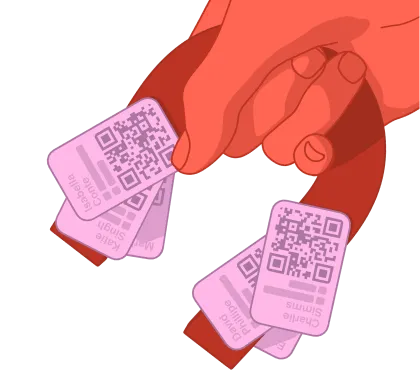
Share cards with a quick QR scan. Recipients don’t need the app.
Contacts with context,
everywhere you work
Ask your network
anything
Connect Blinq to Claude, ChatGPT, Copilot or any AI tool that supports MCP, and your contacts start answering questions.
See what your CRM
already knows
Capture someone’s details and their open deals and history appear right on the contact, so you know exactly who you’re talking to.






Secure connections
SOC 2 Type II. GDPR. SSO. Blinq Business is built on enterprise-grade security standards to keep everyone’s details safe.
Loved by professional
optimists globally

I've used it for two years! Everyone who I introduce Blinq to - at any live event - is thoroughly impressed and immediately downloads the app.
Martha C.
I love this app so much. Every time I meet someone at an event, and I give them my Blinq card, they end up downloading it immediately too.
Bat-Sheva
So convenient! Not only for my business; recently I was in an accident and I was able to share my contact when I needed the most! Great tool! 10 stars
Liz Realtor Florida
I just share one QR code or link and everything is there... my phone number, email and other details in one place. It makes things easier and saves time, especially when meeting new patients.
Ishan S.
Seamless integration and reliable performance. It has never failed me when it counts, and the offline mode is a total lifesaver for sharing your card when service is spotty.
John J.
I absolutely LOVE that I can make myself accessible via all of the channels that are connected to me with just a share! It's an amazing tool!
Leigha
The CRM/contact sync is seamless, which makes networking efficient and eliminates manual follow-ups.
Nabin P.
I've used it for two years! Everyone who I introduce Blinq to - at any live event - is thoroughly impressed and immediately downloads the app.
Martha C.
I love this app so much. Every time I meet someone at an event, and I give them my Blinq card, they end up downloading it immediately too.
Bat-Sheva
So convenient! Not only for my business; recently I was in an accident and I was able to share my contact when I needed the most! Great tool! 10 stars
Liz Realtor Florida
I just share one QR code or link and everything is there... my phone number, email and other details in one place. It makes things easier and saves time, especially when meeting new patients.
Ishan S.
Seamless integration and reliable performance. It has never failed me when it counts, and the offline mode is a total lifesaver for sharing your card when service is spotty.
John J.
I absolutely LOVE that I can make myself accessible via all of the channels that are connected to me with just a share! It's an amazing tool!
Leigha
The CRM/contact sync is seamless, which makes networking efficient and eliminates manual follow-ups.
Nabin P.
Set up 2 business cards for 2 businesses in less than 10 minutes. Definitely recommend to anyone starting a business.
CoCo_withLove

Every client I’ve gotten has given me compliments on using this app… they’ve also started using the app.
KD432
Was skeptical at first but the ease to create and share sold me. Have shared this hundreds of times in personal settings, not just business!
SusanVette
Such a game-changer! Wow! I've been told by several top realtors to get Blinq a while ago. Now I wish I would have gotten it much sooner!
Kaeci Carter
Had it for a week. Waaay more responses than I’ve had with paper business cards. Highly recommend.
The Att Boy
Blinq connects seamlessly with my CRM and updates contacts automatically. That’s been a huge time-saver.
Keshia W.
You just wouldn’t believe how much this app helps in marketing your brand. It’s right in your hand… so convenient in getting my business out there amongst passersby.
Sicsean
Set up 2 business cards for 2 businesses in less than 10 minutes. Definitely recommend to anyone starting a business.
CoCo_withLove
Every client I’ve gotten has given me compliments on using this app… they’ve also started using the app.
KD432
Was skeptical at first but the ease to create and share sold me. Have shared this hundreds of times in personal settings, not just business!
SusanVette
Such a game-changer! Wow! I've been told by several top realtors to get Blinq a while ago. Now I wish I would have gotten it much sooner!
Kaeci Carter
Had it for a week. Waaay more responses than I’ve had with paper business cards. Highly recommend.
The Att Boy
Blinq connects seamlessly with my CRM and updates contacts automatically. That’s been a huge time-saver.
Keshia W.
You just wouldn’t believe how much this app helps in marketing your brand. It’s right in your hand… so convenient in getting my business out there amongst passersby.
Sicsean
Got a few questions?
We're happy to answer them.
For contacts that
stay in contact
Use Blinq to capture crucial context, spot opportunities, and turn a good meeting into brilliant business.


